How to Use AI Translation
Your all-in-one AI language translator extension for Chrome
What is AI Translation?
Instantly translate words, sentences, and paragraphs into English or over 100 languages without copy-paste or switching tools. Whether you need to translate English to Spanish, Japanese to English, or any other language pair, this AI translation tool makes multilingual browsing effortless.
- Context-aware AI translation for accurate results
- 100+ languages supported with natural, fast translations
- Clean, distraction-free design you can trust
- Works on any webpage - news, blogs, PDFs, and more
Two Easy Ways to Translate
1 Translate with the Bubble
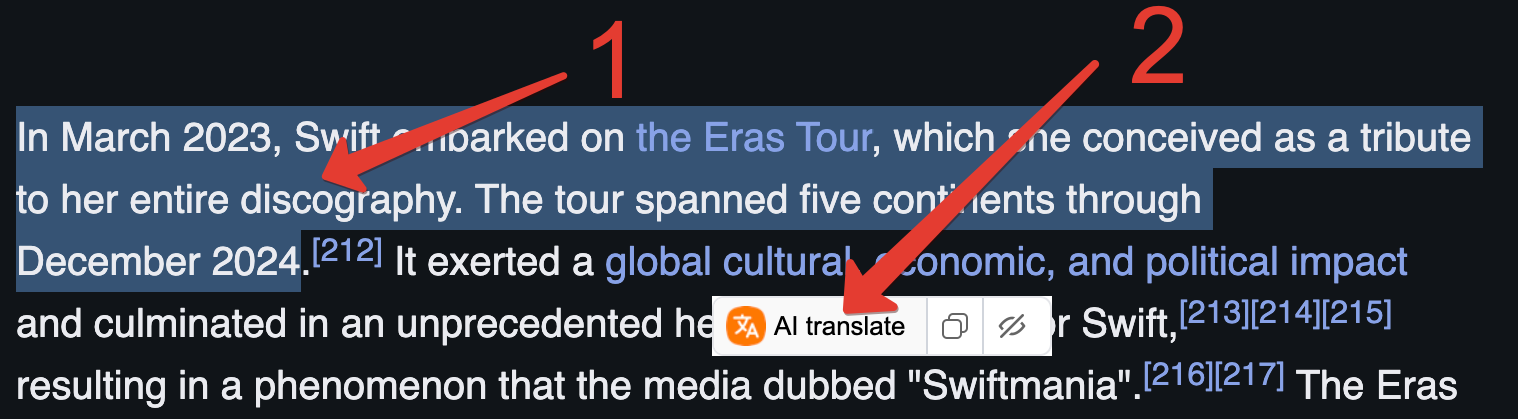
The fastest way to translate! Simply select any text on a webpage, and the AI Translation bubble will appear. Click the "AI Translate" button to see the translation instantly.
2 Translate from Right-Click Menu
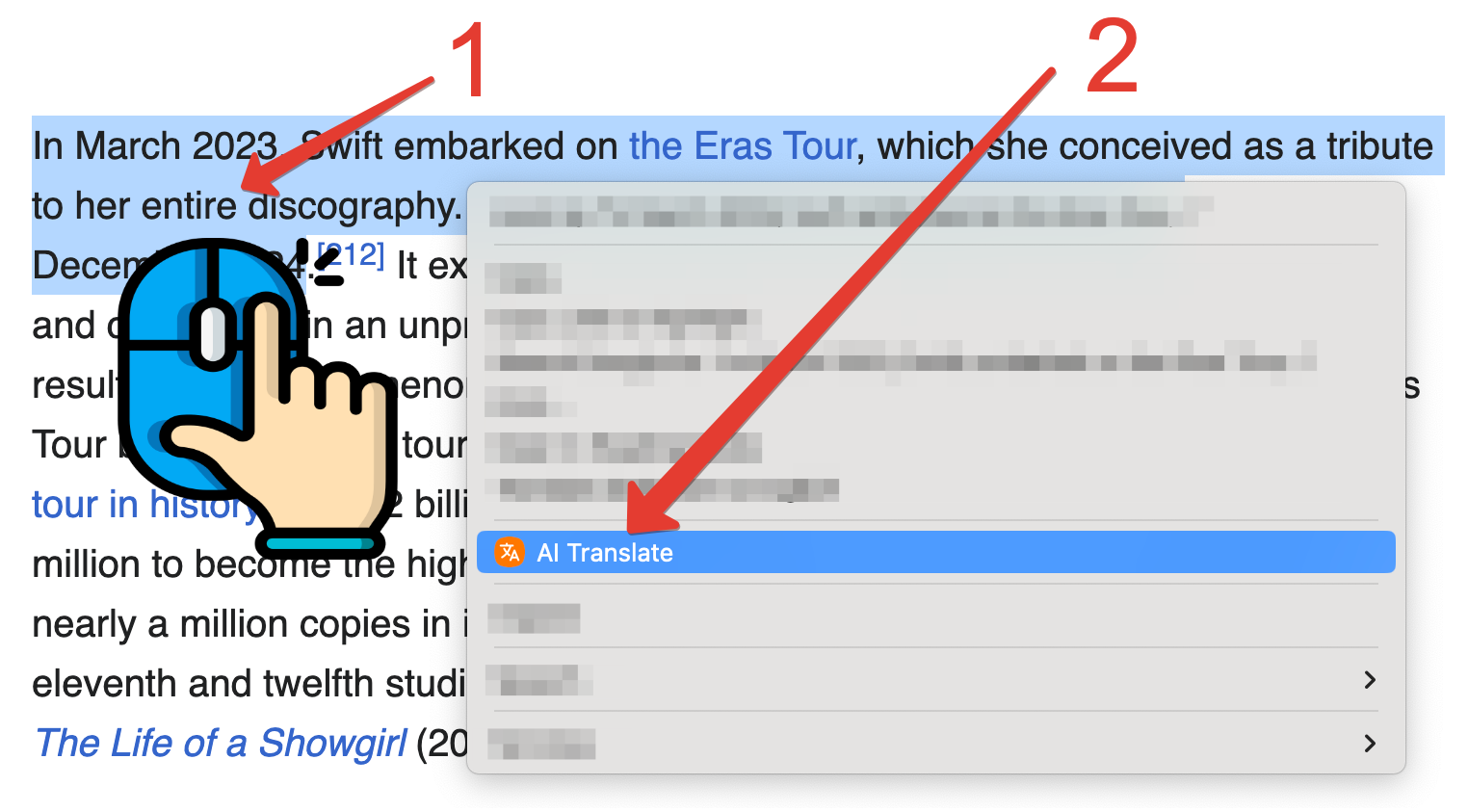
Perfect for PDFs and documents! Select text, right-click to open the context menu, and choose "AI Translate" to get your translation. Works seamlessly in any document.